
The official requirements, and what the settings actually offer
The published targets are explicit about frame rate and quality preset, which makes them unusually easy to check against your machine. Both tiers assume 1080p and 13 GB of storage, and the difference between them is the preset and the frame rate it is expected to produce.
| Tier | Minimum | Recommended |
|---|---|---|
| Operating system | Windows 10 x64 | Windows 10 |
| Processor | Intel Core i3-6300 or AMD FX-8350 | Intel Core i7-6950X or AMD Ryzen 5 2600 |
| Memory | 8 GB RAM | 16 GB RAM |
| Graphics | GeForce GTX 960 or Radeon RX 570 | GeForce RTX 1080, Radeon RX Vega 56 or Arc A580 |
| DirectX | Version 11 | Version 12 |
| Stated target | Low Quality, 1080p, 30 FPS | High Quality, 1080p, 60 FPS |
On macOS the same structure applies. The minimum tier names macOS 11.6.1 or later with a Xeon W-2140B, 16 GB of memory and a Radeon Vega Pro 56, targeting Low Quality at 1080p and 30 FPS. The recommended tier moves to macOS 15.2 or later with an Apple M1 Max and the same 16 GB, targeting High Quality at 1080p and 60 FPS.
The catch that shows up in every report about performance is that there is little to adjust. The store language references quality settings, and the game does have quality tiers, but players and press both describe a settings menu with almost nothing in it. Three independent sources agree on the missing pieces, and the one that gets named most often is a frame rate limit: without one, a machine capable of running far above the target renders as fast as it can and spends the power accordingly.
A demo-era report describes running at 250 frames per second with no way to cap it, and says the vertical sync setting appeared to do nothing. That report is from June 2026 and predates the Early Access build, so check the current menu before assuming it still applies.
The game will not start
This was the signature problem of the launch window. Multiple independent reviews describe the game sitting on the logo screen before crashing to a white screen, and some describe having to try repeatedly to get in at all. The reports come from the days around the September 10, 2026 release.
The encouraging part is that several of those same players updated their reviews to say a patch fixed it. That pattern, a launch-window fault followed by an official fix, is why the version check comes first in the list below.
- Update the game. Launch fixes shipped within days of release, and the update list reaches September 22, 2026.
- Verify the game files through Steam, which repairs a partial download without touching your saves.
- Update your graphics driver. The stated tiers depend on DirectX 11 or 12 support, and an outdated driver is the most common cause of a crash before the first frame.
- Compare your machine against the minimum tier. It asks for 8 GB of memory and either a GTX 960 or an RX 570 to reach 30 FPS at Low.
- If it still fails, post in the official bug reports forum linked below rather than reinstalling repeatedly.
Problems during a run, including cards that stall
The mid-run reports are a smaller and more mixed set than the launch failures, and several of them describe states that only some players hit. They are listed here so you can recognise them rather than because each one has a proven fix.
- A fight will not end
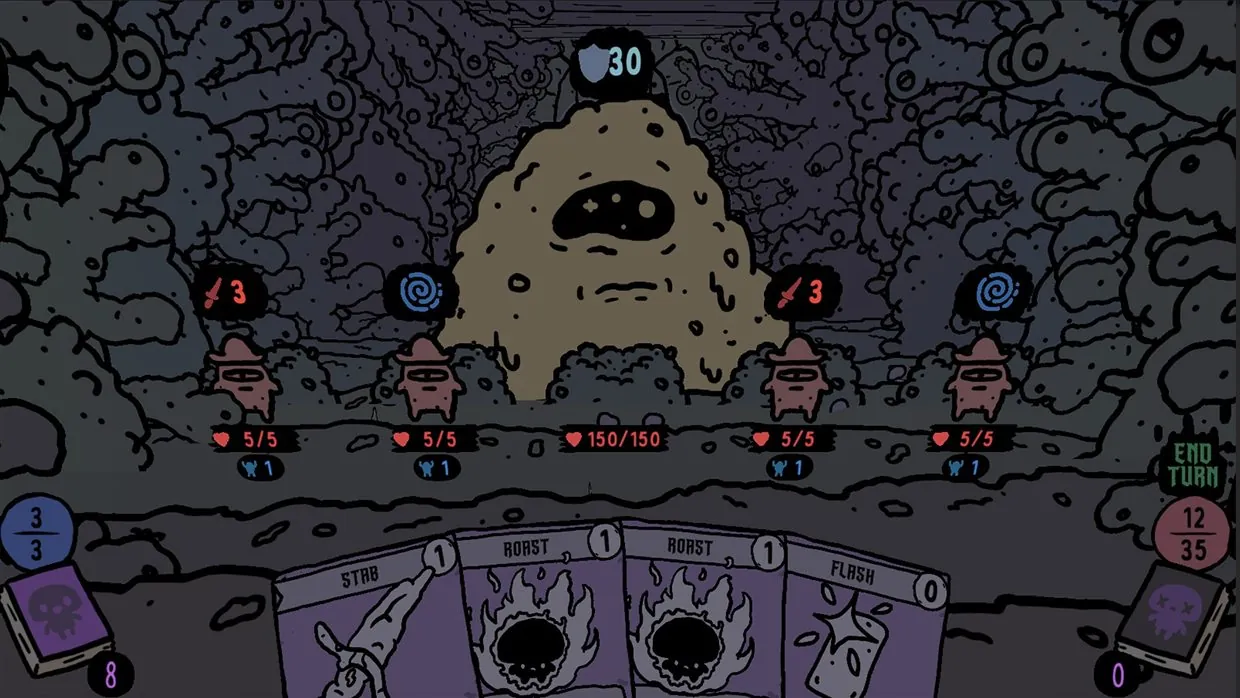
- One player reports the enemies stopping their turns, the game granting unlimited card plays, and the fight staying in combat mode after every enemy died. Reported on the Early Access build.
- The computer locks up
- A report describes the game minimising itself and then soft locking the PC after about 30 minutes into a run. A single account, so treat it as a specific hardware and driver interaction rather than a general fault.
- The wrong card type is removed
- Removing a card at a toad sometimes removes a camp card instead of the combat card you chose. Three players in one thread confirm it independently, which makes it the best-attested in-run bug of the launch window.
- Distorted audio
- One player asks whether some music tracks are distorted. Another, who describes a background in audio recording, says they heard no clipping. Reported by one person, so it is not a general problem.
- No key rebinding
- A player asks for an option to rebind keys, noting the existing mouse control is not comfortable for them. Worth knowing before you plan around a custom layout.
The card-play lag that gets described as sluggishness is usually one of two different things. A crowded encounter with many enemies on screen is a rendering load, which responds to quality settings and to your hardware tier. A fight that accepts inputs and then does not advance is a stuck state, which no setting will fix.
One widely shared complaint about the presentation is not a performance problem and does not belong in this list. A reviewer describes the parallax depth effect as hard on their eyes while noting their own vision is unusual and telling readers to trust their own judgement. That is an individual reaction to an art style, not a fault you can patch.
When it is not your machine, and where to report it
Performance for this game is genuinely environment-dependent, and it cuts both ways. Alongside the launch-window failures, a technical test on Fedora with Proton 11 reported that it performs perfectly, and player reports from launch include people running it without trouble. If your machine meets the recommended tier and the game is still struggling, the evidence points at a build or driver interaction rather than at your hardware being insufficient.
That also means advice about which setting to lower is thin, because there are so few settings. The realistic order is to update, verify files, update drivers, and then check whether the specific problem you have is a known one on the current patch.
- Read the current patch notes and confirm the problem is not already fixed.
- Note your exact symptom, since launch failures, stuck fights and card removal are separate issues.
- Collect your system details and the build date before posting.
- Report it in the official bug reports forum, which is where the developers track these.
The relevant links are the official Bug Reports and Technical Issues forum and the official Steam news hub for the patch history.
What this page cannot do is tell you which of these you are hitting. The reports are described as players wrote them, on the builds they were written against, and Early Access means the behaviour can change between patches.